

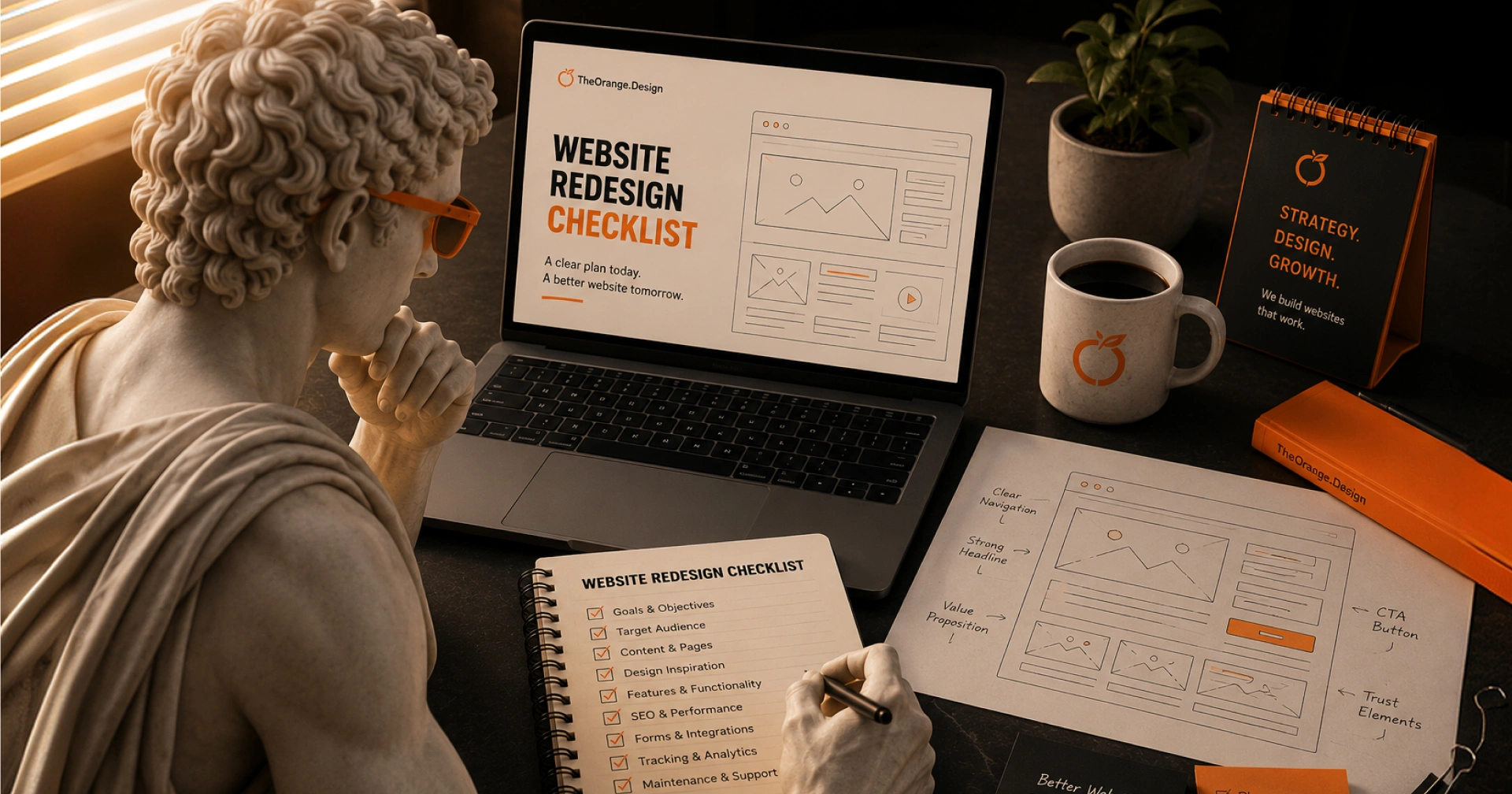
Website redesign checklist planning should start before you hire an agency. The more prepared you are with your goals, content, access, budget, and timeline, the smoother the project will be.
A website redesign can help your business look more professional, explain your services better, and turn more visitors into leads.
But before you hire an agency, you need to prepare the right details first.
A redesign is not only about changing how your website looks. It can also affect your content, user experience, SEO, page speed, forms, tracking, and future updates.
If you start without a clear plan, the project can take longer, cost more, and create confusion for both sides.
Use this checklist before hiring a website design agency.
1. Know why you want to redesign your website

Start with the real reason behind the redesign.
Do not redesign your website only because it feels old. Get clear on what needs to improve.
Ask yourself:
- Are we getting enough inquiries?
- Do visitors understand what we offer?
- Does the website look trustworthy?
- Is the website hard to update?
- Is it slow on mobile?
- Does it match our current services?
- Are we attracting the right type of client?
Your answer will guide the direction of the project.
For example, if your main issue is low inquiries, the redesign should focus on stronger messaging, clearer calls to action, better service pages, and easier contact forms.
If your issue is an outdated look, the redesign may focus more on branding, layout, imagery, and visual trust.
2. Review your current website first

Before replacing your website, review what already works.
Check your current site page by page.
Look at:
- Homepage
- About page
- Service pages
- Contact page
- Blog posts
- Case studies
- Landing pages
- Forms
- Menus
- Footer links
Write down what you want to keep, remove, rewrite, or improve.
You may already have pages that rank on Google or bring leads. Do not delete those without checking first.
A good redesign protects what works and fixes what does not.
3. Define your website goals
Your agency needs to know what the website should do.
Common website goals include:
- Get more calls
- Get more form submissions
- Sell products
- Book appointments
- Build trust
- Explain services clearly
- Show case studies
- Support ads or campaigns
- Improve search visibility
- Make the business look more established
Pick your top 1 to 3 goals.
Too many goals can make the website unclear. A focused website is easier to design, write, and measure.
4. List the pages you need
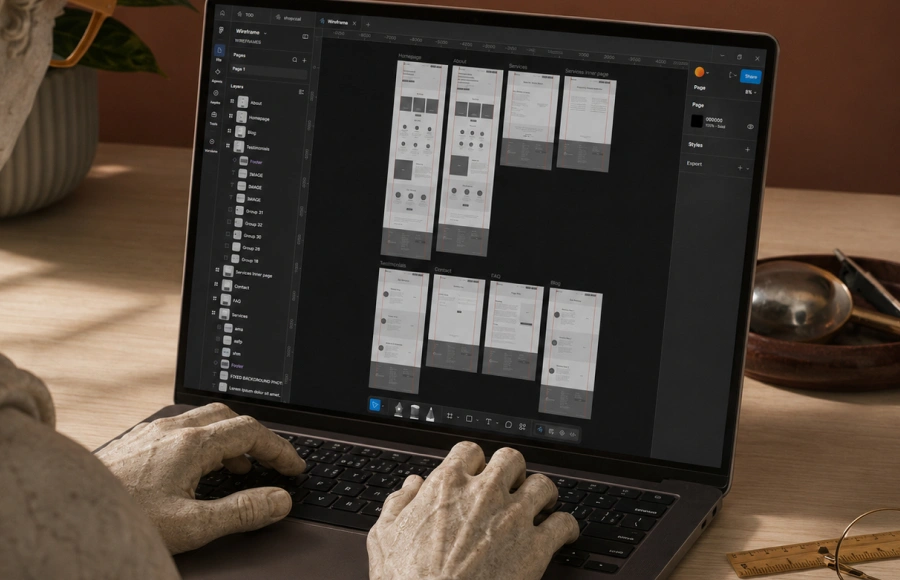
Create a simple page list before the project starts.
For a service business, you may need:
- Home
- About
- Services
- Individual service pages
- Portfolio or case studies
- Testimonials
- Blog
- Contact
- FAQ
- Privacy policy
- Terms and conditions
Individual service pages are useful if you offer different services.
For example, a creative agency may need separate pages for web design, video production, social media marketing, branding, and SEO.
This helps visitors find the right service faster. It also helps search engines understand what each page is about.
5. Prepare your website content
Content is one of the most common causes of project delays.
Before hiring an agency, decide who will write the content.
You can prepare:
- Company description
- Service descriptions
- Team details
- Pricing details, if public
- FAQs
- Testimonials
- Case studies
- Process details
- Contact information
- Call to action text
Your website copy should answer the questions your customers already ask.
For example:
- What do you offer?
- Who do you help?
- How does your process work?
- How much does it cost?
- How long does it take?
- Why should someone trust you?
- What should they do next?
Clear content makes the design stronger.
6. Gather your brand assets

Your agency will need your brand files before design starts.
Prepare:
- Logo files
- Brand colors
- Fonts
- Brand guidelines, if available
- Product photos
- Team photos
- Office photos
- Icons
- Videos
- Social media links
- Previous design files
Use high-quality images when possible.
Poor images can make even a good design feel weak.
If you do not have strong images yet, tell the agency early. They may suggest stock images, custom graphics, mockups, or a photo and video shoot.
7. Check your website access
A website redesign often needs access to several tools.
Prepare logins or admin access for:
- Domain provider
- Website hosting
- WordPress or CMS
- Website builder
- Google Analytics
- Google Search Console
- Email provider
- Form tools
- CRM
- Payment tools
- Booking tools
- Existing plugins or apps
Do not send passwords through random chat messages.
Use a secure password manager when possible. You can also create temporary admin access for the agency.
8. Review your SEO before changing pages
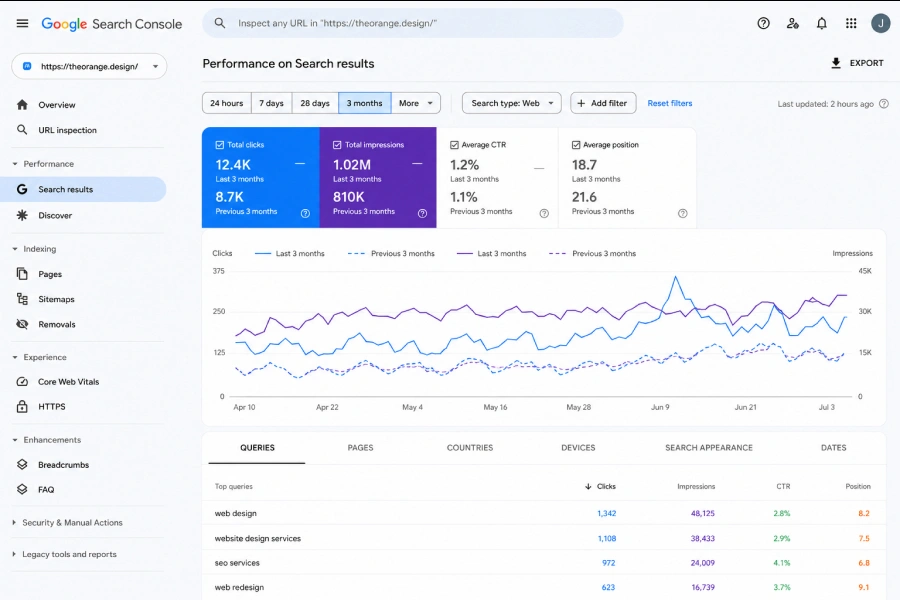
A redesign can affect your search traffic if handled poorly.
Before changing your site, check:
- Which pages get traffic
- Which pages rank on Google which pages have backlinks
- Which URLs should stay the same
- Which URLs need redirects
- Which content should be updated
- Which old pages should be removed
If you change URLs, set up proper redirects.
For example, if your old service page was:
/website-design
And the new page becomes:
/web-design-services
You should redirect the old URL to the new one.
This helps protect search traffic and avoids broken links.
9. Set your budget range
You do not need an exact budget before talking to an agency, but you should know your range.
A simple website costs less than a custom website with multiple page types, animations, copywriting, SEO setup, forms, integrations, and advanced features.
Your budget affects:
- Number of pages
- Design detail
- Copywriting support
- Development complexity
- SEO work
- Timeline
- Revisions
- Custom features
- Post-launch support
Be honest about your budget.
A good agency can suggest the best scope for your current stage.
10. Set a realistic timeline
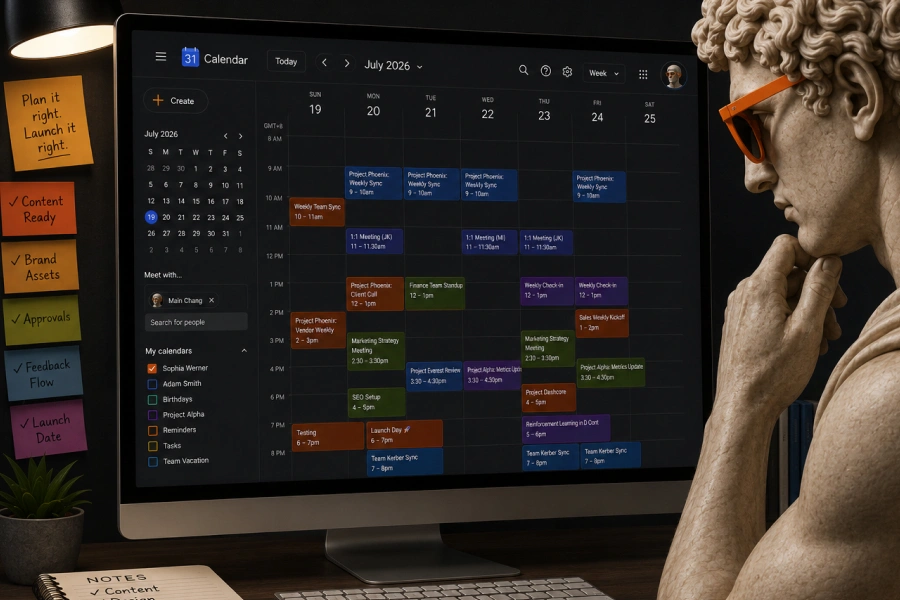
A rushed website often leads to rushed decisions.
Before starting, check your target launch date.
Then ask:
- Do we have the content ready?
- Do we have brand assets ready?
- Who will approve designs?
- Who will give feedback?
- Are there events, campaigns, or deadlines tied to the launch?
A small website may take a few weeks.
A larger website can take longer, especially if it includes copywriting, SEO, custom development, or many stakeholders.
Fast timelines are possible, but only when content, feedback, and access are ready.
11. Prepare website examples you like
Send your agency 3 to 5 website examples.
For each example, explain what you like.
Be specific.
Instead of saying, “I like this website,” say:
- I like the clean homepage layout
- I like the bold service section
- I like how the pricing is shown
- I like the simple navigation
- I like the case study layout
- I like the mobile version
- I like the contact section
Also share what you do not like.
This helps the agency understand your taste faster and avoid the wrong direction.
12. Know who will maintain the website after launch
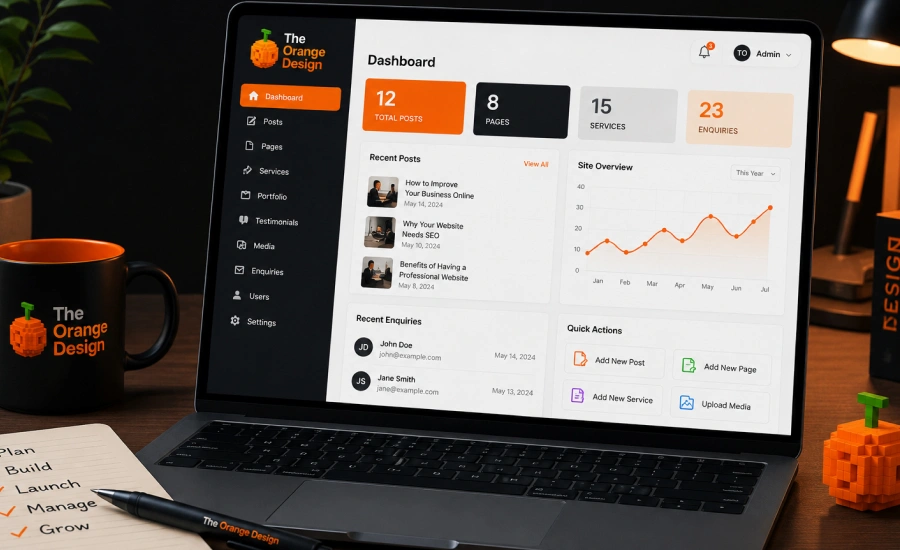
A website still needs care after it goes live.
Decide who will handle:
- Content updates
- Plugin updates
- Website backups
- Security checks
- Blog posting
- Landing page updates
- Speed checks
- Form testing
- SEO improvements
Some businesses manage this in-house. Others ask their agency for monthly support.
Ask about this before the project starts, so you know what happens after launch.
13. Ask the right questions before signing
Before you sign, ask these questions:
- What is included in the project?
- How many pages are included?
- Who writes the content?
- How many revisions are included?
- Will the website be mobile-friendly?
- Will basic SEO setup be included?
- Will page speed be checked?
- Will forms be tested?
- Will redirects be handled?
- Will we get training after launch?
- What happens after the website goes live?
- Who owns the website files and accounts?
Clear answers reduce confusion later.
14. Final website redesign checklist
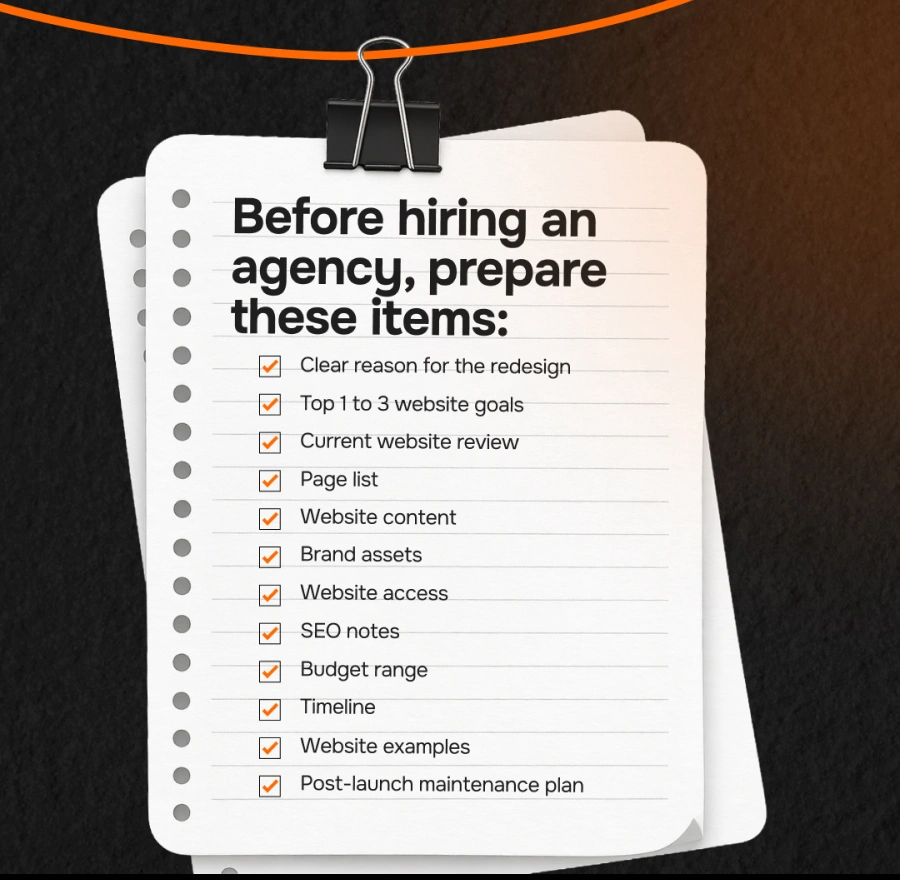
Before hiring an agency, prepare these items:
- Clear reason for the redesign
- Top 1 to 3 website goals
- Current website review
- Page list
- Website content
- Brand assets
- Website access
- SEO notes
- Budget range
- Timeline
- Website examples
- Post-launch maintenance plan
The more prepared you are, the smoother the project will be.
A website redesign should make your business easier to understand, easier to trust, and easier to contact.
If your current website no longer reflects your business, it may be time to rebuild it with clearer structure, stronger content, and a better user experience.
Need help planning your website redesign?
TheOrange.Design helps businesses redesign websites that look professional, explain services clearly, and support lead generation.
Send us your current website, and we can help you review what to keep, what to improve, and what to rebuild.